






Photoshop Live Preview on Mobile · Plugin Setup
See the live preview and your device's connection state right inside Photoshop.Apple Silicon and Intel both supported; CC2018 or newer
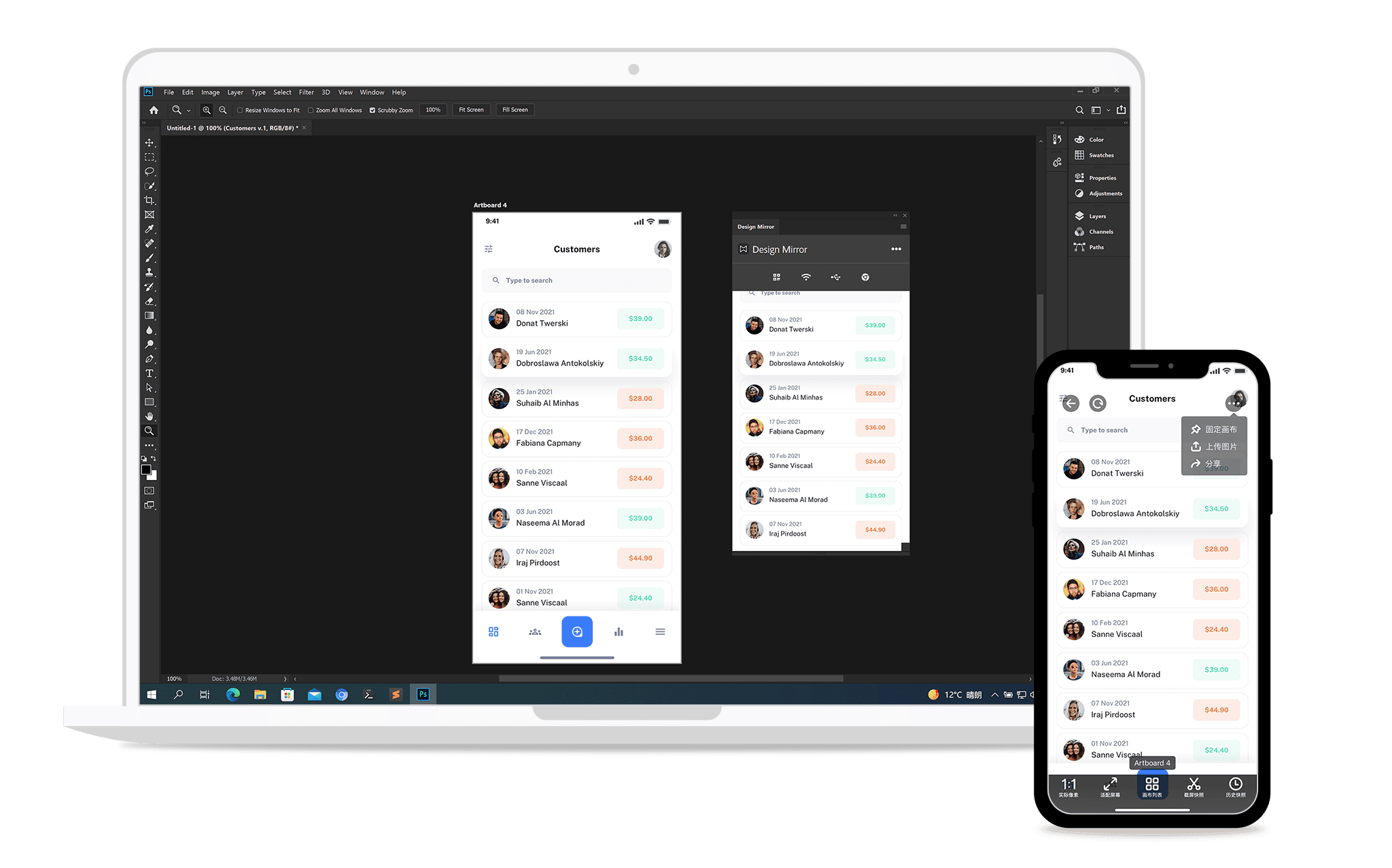
Installation Guide
One installer, three steps
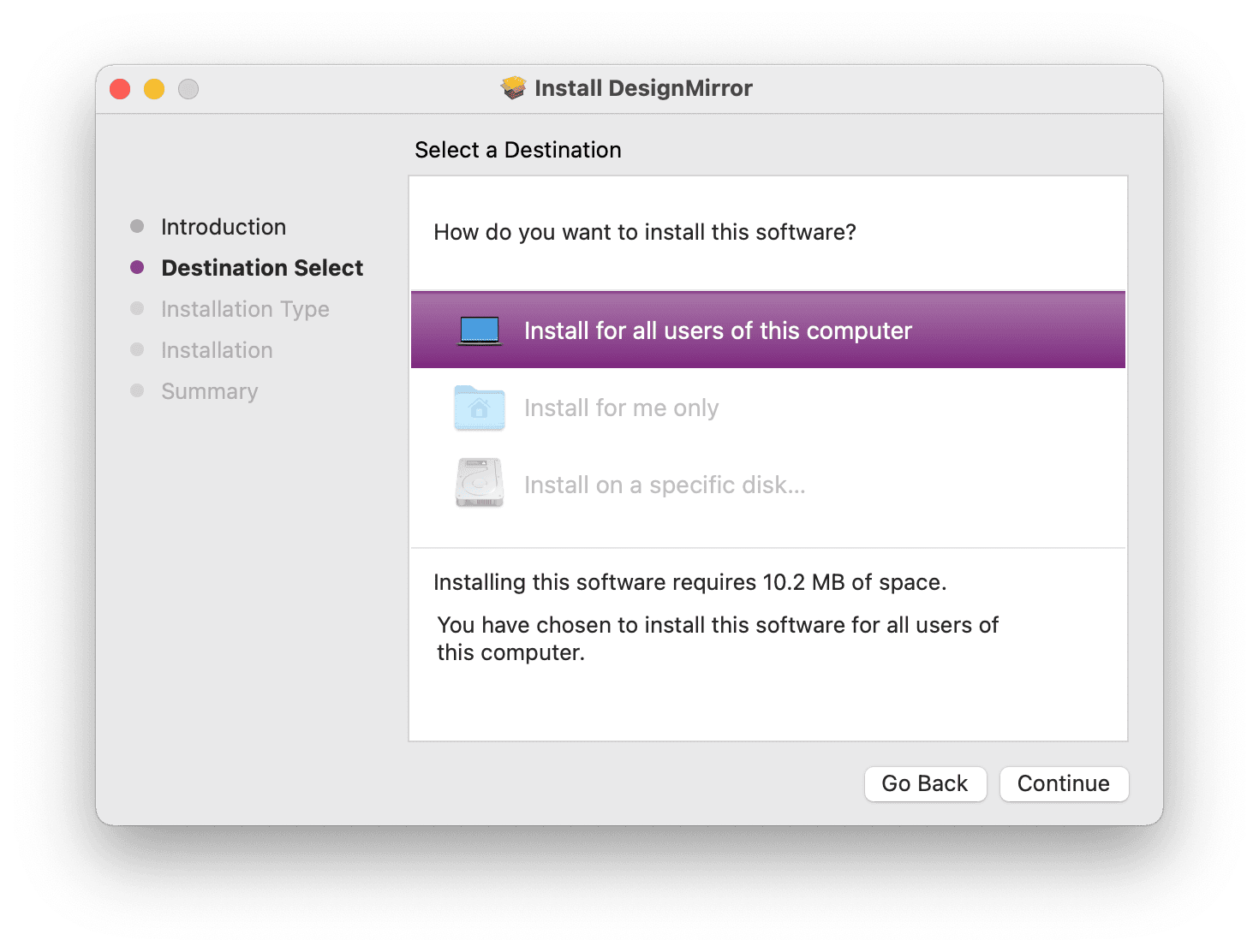
Download and install Design Mirror
Use the button above to get the pkg (Mac) or exe (Windows) and click through the installer; macOS will ask for your password. The package is notarized by Apple, so the "unidentified developer" block no longer appears. This single installer sets up the background helper and the panels for Photoshop, Sketch, XD and Illustrator — nothing else to download.
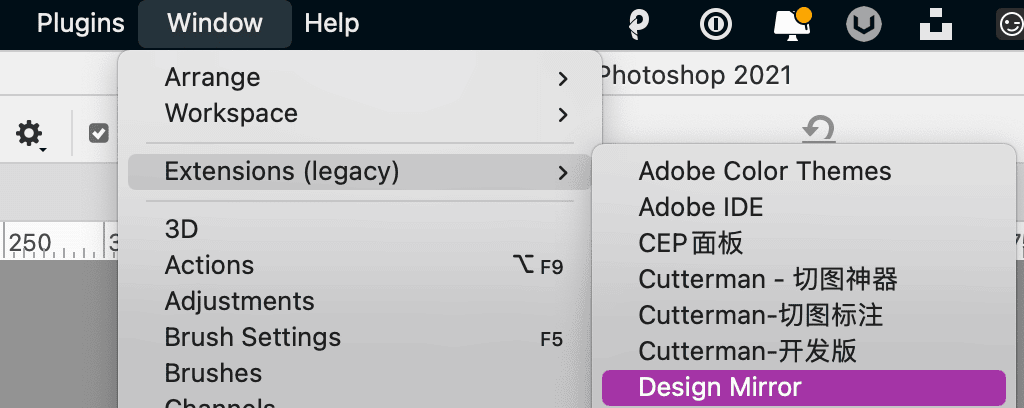
Open the panel
Restart Photoshop and open Menu -> Window -> Extensions -> Design Mirror, then sign in. If it isn't there — common on recent Photoshop versions, especially on Apple Silicon — look under Menu -> Plugins instead. Adobe moved the extensions entry there in the 2022 release, and only one of the two locations exists on any given install. The helper starts with your machine and needs no attention.
Connect your phone
Install the Design Mirror app (4.0 or newer). On the same Wi-Fi it is discovered automatically; otherwise scan the QR code in the panel, or just plug in a USB cable.