






Live Preview Your Design on Any Device
preview your design on a phone from Photoshop, Illustrator, Sketch, XD, Figma, MasterGo and JSDesign

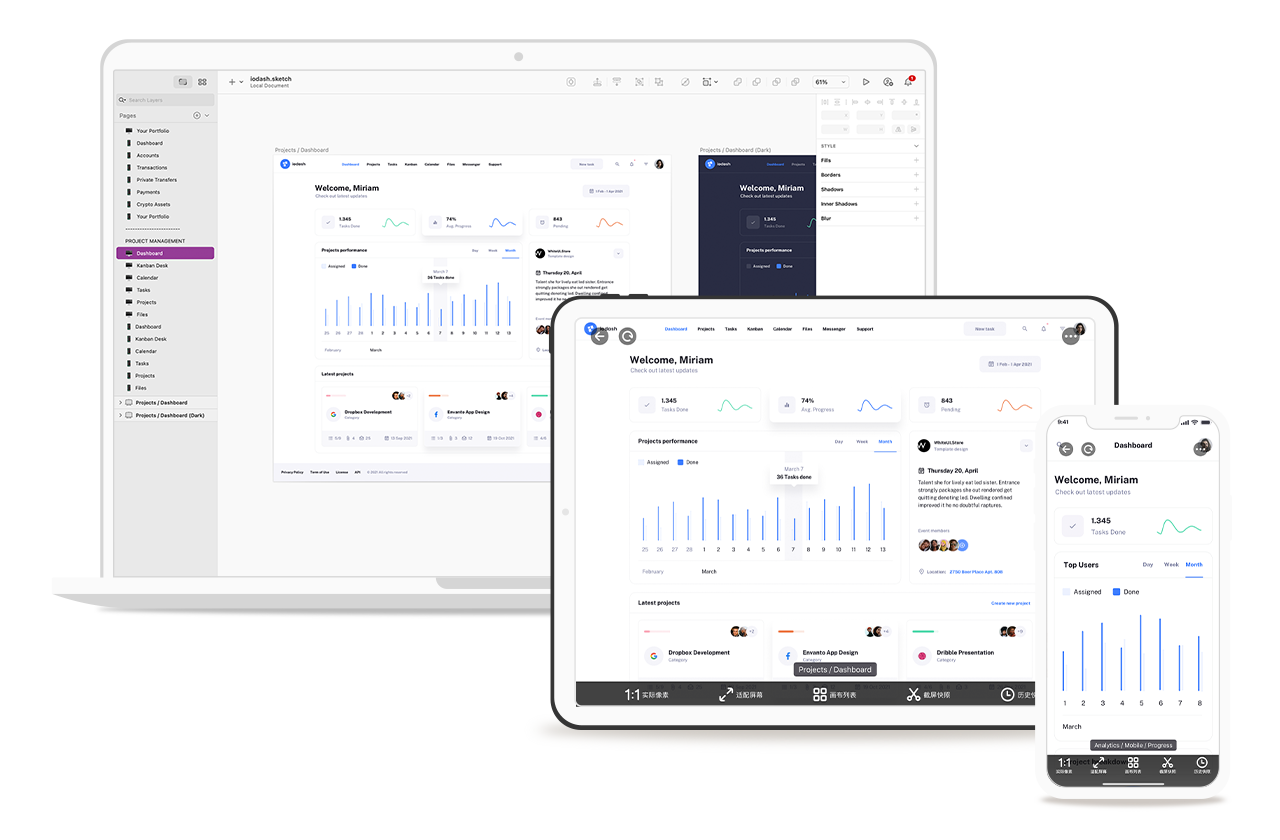
Photoshop
Plugin embed in Photoshop, without open third-party software to switch. Support Artboards, pixel perfect preview, support Mac and Win.

Adobe XD
Support preview with Adobe XD, no Creative Clouds files needed. Both Android & iphone devices are able to connect

Sketch
Plugin in Sketch makes it possible to preview in Android devices. USB and Wifi connections are both supported.

Figma
Newly support with Figma on both browser and App, more convenient then official one
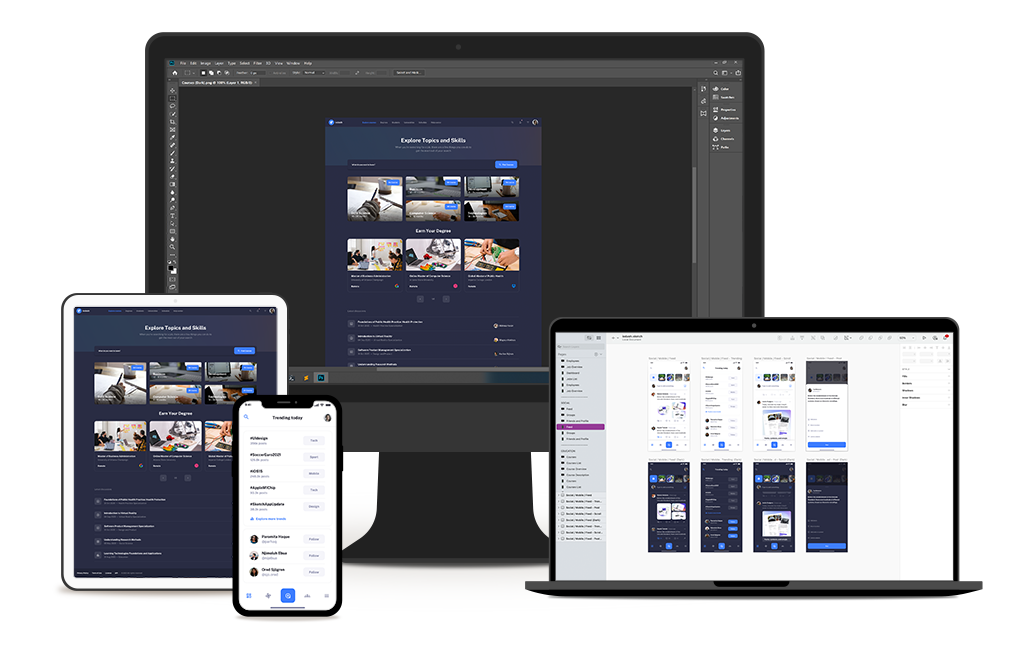
All platforms
Design Mirror runs on win and mac, and provide same features on both ios and android devices.
- Windows/Mac support
- Photoshop / Illustrator / Sketch / XD / Figma / MasterGo / JSDesign
- iphone/android/web preview support
- Connect with multi devices at same time
Connect through WIFI
When App and Desktop connect in to the same WIFI network, connection will establish automatic. Multiple devices are supported to connect at the same time.
- Devices auto detected, also support manual ip input
- Multiple devices support, mobile phone or pads
- Preview with qrcode scanning without login
Connect through USB
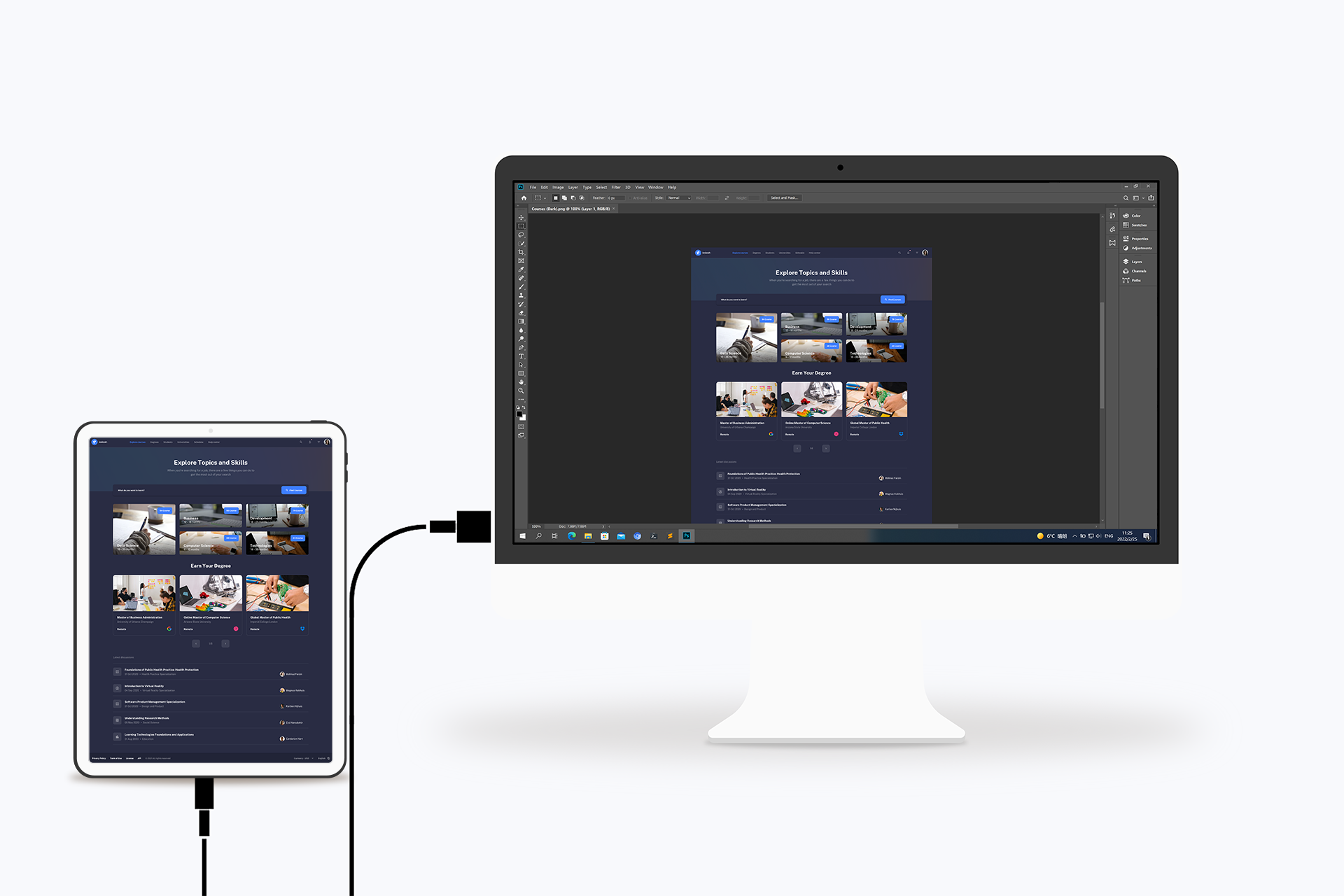
Connect your device to computer with USB cable, connection will establish through usb. This is extreamly useful when your network is down. USB connection is more smoothly and stability.
- Plug with usb cable and there you go
- Useful when no network available
Amazing Features
checkout these powerful features in Design Mirror
Pinch to zoom
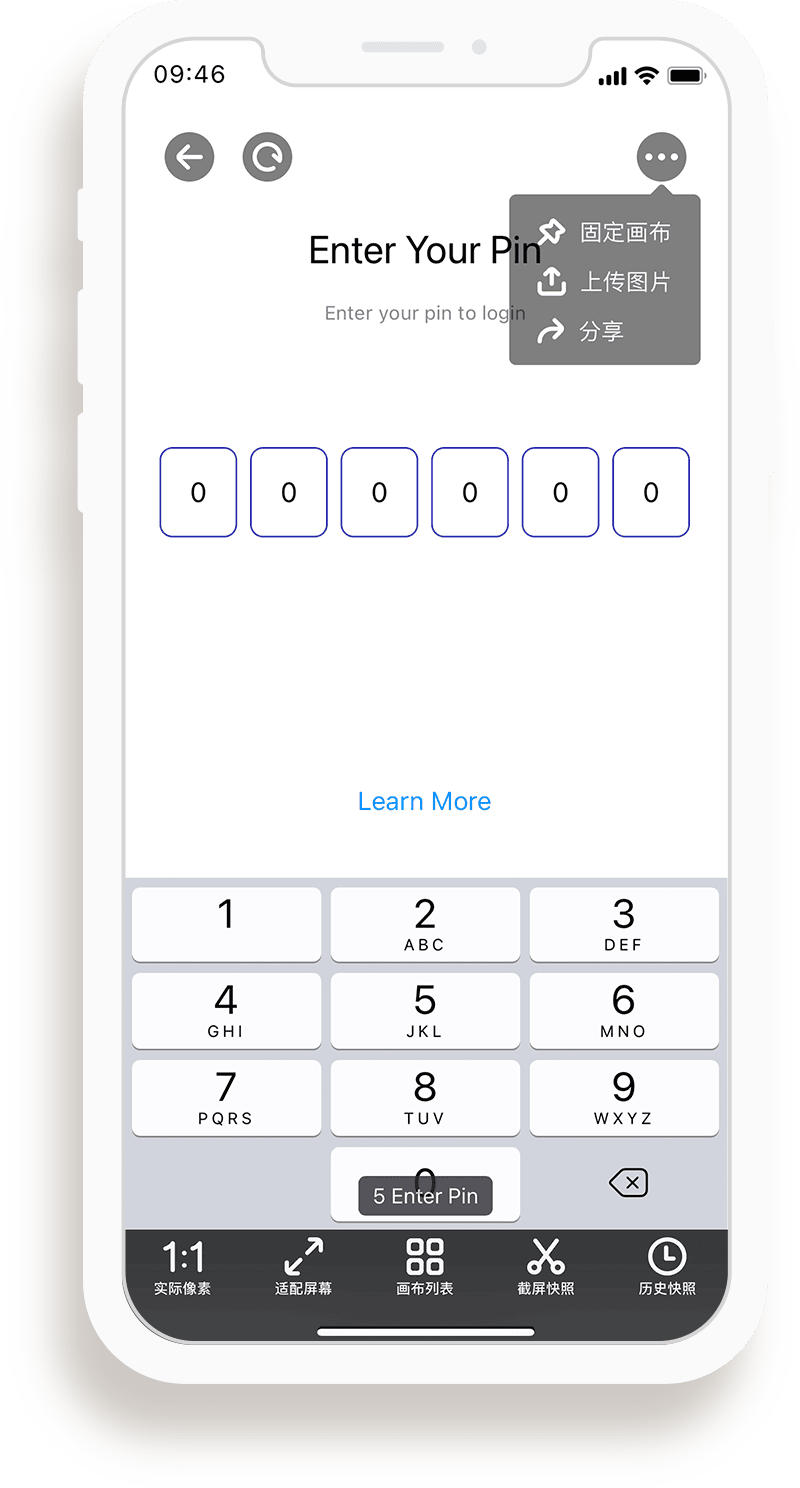
You can pinch to zoom your design when need. some useful preview modes are provided.
Swipe to change Artboards
You can swipe to navigate artboards/documents, or select one by name.
Screenshot & Save design
Take a screenshot when you wanna save a design on your mobile phone.
Upload images
Transfer image from phone to Photoshop/Sketch never so easy.
Offline artboards
Artboards previewed are saved in app, you can check it anytime.
Share your design
Easy share your design with in app share button.
Trial & Price
You have 15 days free trial. after that you need purchase a license to continue.
Six Month
- Ps/XD/Sketch/Figma
- Technology support
- Personal use only
- All Features
- Free updates
One Year
- Ps/XD/Sketch/Figma
- Technology support
- Personal use only
- All Features
- Free updates
Two Years
- Ps/XD/Sketch/Figma
- Technology support
- Personal use only
- All Features
- Free updates
Contacts
Contact us when anything goes wrong