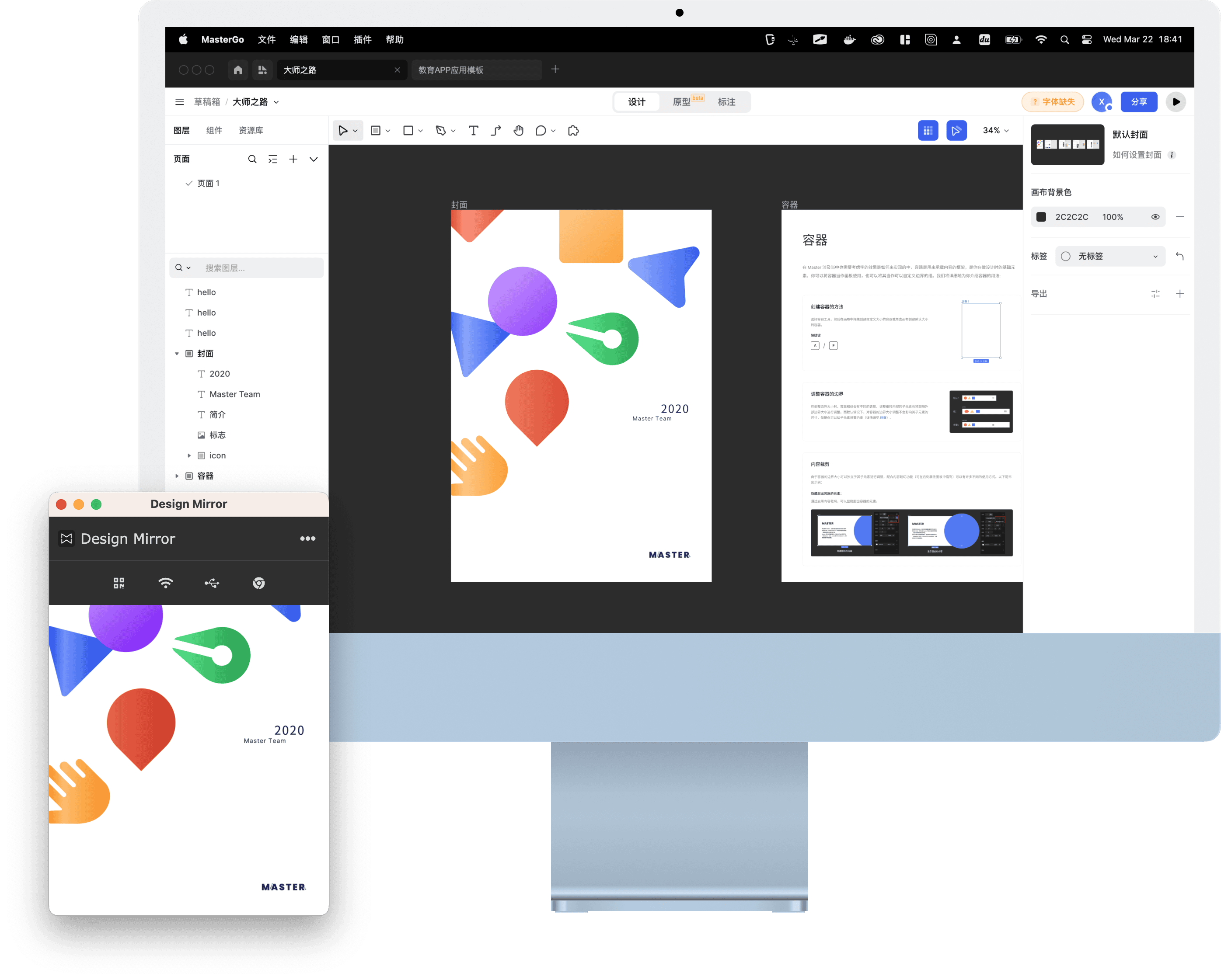



MasterGo Live Preview on Mobile · Plugin Setup
Use Design Mirror inside MasterGo
Steps
- Click here to install the plugin from the official plugin store
- Click here to download the desktop Design Mirror helper (now 4.0) and run it. That is all — there is no window to keep open. The 4.0 helper is a background service that starts with your machine (the old version needed its desktop client kept running; this one does not).
- Open the MasterGo plugin, install the Design Mirror app (4.0 or newer) on your phone, and they pair automatically on the same Wi-Fi